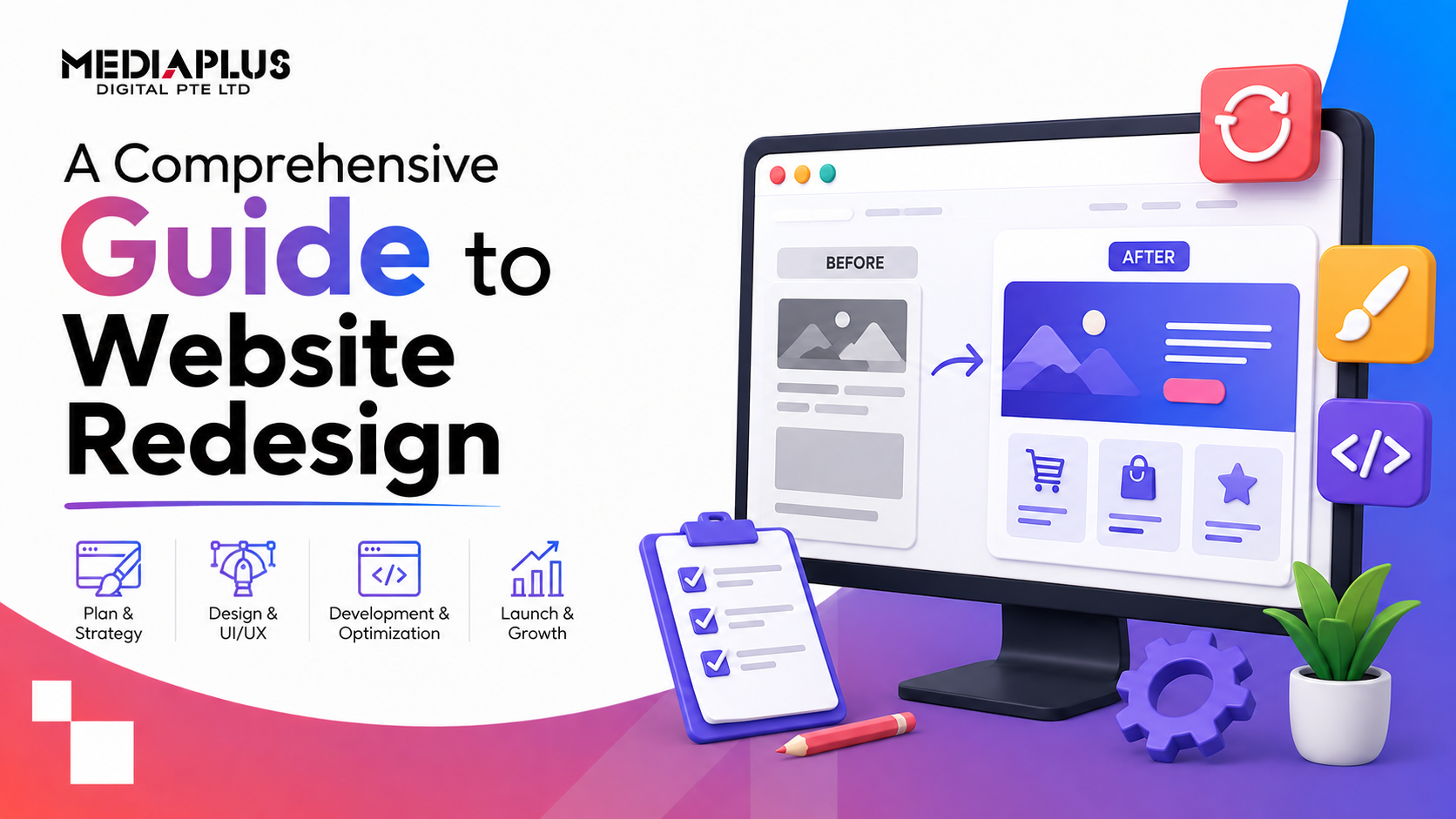
A website redesign is more than a fresh coat of paint. Done well, it lifts your rankings, conversions and brand. Done carelessly, it can wipe out years of SEO traffic overnight. This guide walks through the whole process: when to redesign, how to plan it, how to protect your search rankings during the switch, what it costs in Singapore, and how to measure whether it worked.
What is a website redesign?
A website redesign is a substantial overhaul of your site’s design, structure, content or technology, usually with a business goal attached: more leads, better mobile experience, faster load times, or a brand that finally matches where the company is today. It sits somewhere between two extremes:
- A refresh updates the look, colours, fonts and a few pages, while keeping the structure and platform.
- A full redesign rethinks the information architecture, templates, content and often the platform itself.
Knowing which one you actually need is the first decision, because it changes the budget, timeline and risk.
Signs it is time to redesign your website
You probably need a redesign if several of these are true:
- The site is not mobile-friendly or loads slowly on phones
- Your bounce rate is high and conversions are low
- The design looks dated or no longer matches your brand
- It is hard to update, or you depend on a developer for small edits
- Traffic has plateaued or is declining
- The site is not built for SEO, or has weak Core Web Vitals
- You have outgrown the platform, or it cannot support new features
- Competitors’ sites clearly convert better than yours
One or two of these might only call for a refresh. Four or more usually points to a full redesign.
Refresh vs full redesign
|
Factor |
Refresh |
Full redesign |
|
Scope |
Visual updates, some pages |
Structure, content, platform |
|
Timeline |
2 to 4 weeks |
6 to 16 weeks |
|
Risk to SEO |
Low |
High if not managed |
|
Cost |
Lower |
Higher |
|
Best when |
Site works, looks tired |
Site underperforms or is outdated |
The website redesign process, step by step
A redesign succeeds or fails on process. Here is the sequence we recommend.
1. Audit your current website
Before changing anything, understand what you have. Pull data on your top pages, traffic sources, keywords you rank for, backlinks, conversion paths and technical issues. This baseline tells you what to protect and what to fix.
2. Set clear goals and KPIs
Decide what the redesign must achieve: more enquiries, higher conversion rate, faster load times, lower bounce, or a specific revenue target. Vague goals produce vague results. Tie every design decision back to these KPIs.
3. Benchmark competitors
Look at how the sites you compete with are structured, what they say, and where they convert. The aim is not to copy, but to spot gaps and standards you need to meet or beat.
4. Take a content inventory
List every page, then decide what to keep, merge, rewrite or remove. This is also where you find your best-performing content, which must survive the migration with its URLs and rankings intact.
5. Plan information architecture and sitemap
Map how pages connect and how users move toward a conversion. Clean navigation and a logical structure help both visitors and search engines.
6. Wireframe and design
Wireframes set the layout and hierarchy before visuals. Then design brings in brand, imagery and interface. Prioritise clarity, mobile-first layouts and obvious calls to action over decoration.
7. Build and develop
Development turns designs into a working, responsive site. Build for speed and Core Web Vitals from the start, and choose a platform your team can actually manage. Many Singapore businesses opt for WordPress design and development for its flexibility and ease of updates.
8. Protect SEO with a migration plan
This is the step most redesigns get wrong. More on it below, because it deserves its own section.
9. Test and QA
Before launch, check every template on multiple devices and browsers: forms, links, speed, mobile usability, tracking and the redirect map. Fix issues here, not in production.
10. Launch and monitor
Launch during a low-traffic window, submit the new sitemap to Google Search Console, and watch rankings, crawl errors and conversions closely for the first few weeks.
How to protect your SEO during a website redesign
A redesign is the single most common way businesses accidentally lose search traffic. Guard against it deliberately:
- Map every old URL to a new one. If a URL changes, add a 301 redirect from the old address to the closest new page. Never let important pages 404.
- Keep your winning content and URLs. Preserve the pages that already rank and convert, ideally at the same URLs.
- Recreate on-page SEO. Carry over title tags, meta descriptions, headings and structured data, and improve them where you can.
- Preserve internal links. Rebuild the internal linking that passes authority to key pages.
- Do not block the site from Google. Make sure the staging “noindex” is removed at launch and the live site is crawlable.
- Submit the new sitemap in Google Search Console and monitor coverage.
- Watch for drops. Track rankings and traffic weekly for at least 8 weeks and act fast on any decline.
If organic traffic matters to your business, involve an SEO team in the redesign from day one, not after launch.
Common website redesign mistakes to avoid
- Redesigning on opinion instead of data
- Changing URLs without redirects
- Forgetting mobile users, who are often the majority
- Ignoring page speed and Core Web Vitals
- Launching without proper QA and tracking
- Writing new content that drops the keywords you used to rank for
- Treating SEO as an afterthought
How long does a website redesign take?
Timelines depend on scope and how quickly content and feedback are provided:
|
Project type |
Typical timeline |
|
Refresh |
2 to 4 weeks |
|
Standard business site redesign |
6 to 10 weeks |
|
Large or ecommerce redesign |
10 to 16 weeks or more |
Content readiness is usually the biggest cause of delay, so prepare copy and assets early.
How much does a website redesign cost in Singapore?
Cost scales with pages, custom design, functionality and platform. A simple business redesign can start in the low thousands, while custom corporate or ecommerce redesigns run higher. Eligible Singapore SMEs can offset part of the cost through the PSG grant with a pre-approved vendor, which makes a professional redesign far more accessible.
Measuring success after launch
A redesign is only “done” once you can prove it worked. Track against the KPIs you set at the start:
- Organic traffic and keyword rankings, compared to your pre-launch baseline
- Conversion rate and total enquiries or sales
- Bounce rate and time on page
- Page speed and Core Web Vitals
- Mobile performance
Give it 8 to 12 weeks for the data to stabilise, then keep optimising. A website is never truly finished; the best ones improve continuously.
Frequently asked questions
How often should you redesign a website?
Most businesses refresh every 2 to 3 years and do a full redesign every 3 to 5, or sooner if the site underperforms, looks dated or cannot support new goals.
Will a redesign hurt my Google rankings?
It can, if URLs change without redirects or SEO is not carried over. With a proper migration plan, rankings are protected and often improve thanks to better speed, structure and content.
Should I redesign or rebuild on a new platform?
If your current platform limits speed, features or ease of updates, moving to a flexible platform like WordPress during the redesign is often worth it. If the platform is fine, a redesign on the same system is faster and cheaper.
Can I claim PSG funding for a website redesign?
Eligible Singapore SMEs can receive support for qualifying website and digital solutions through a pre-approved vendor. Check what your project qualifies for before you start.
How do I keep my content during a redesign?
Take a full content inventory, decide what to keep, and preserve the URLs and on-page SEO of pages that already rank and convert.
Plan your website redesign with MediaPlus
A good redesign balances design, development and SEO so you gain conversions without losing rankings. If you want a team that handles all three under one roof, talk to MediaPlus Digital. Explore our web design and web redesign services to see how we plan redesigns that perform.