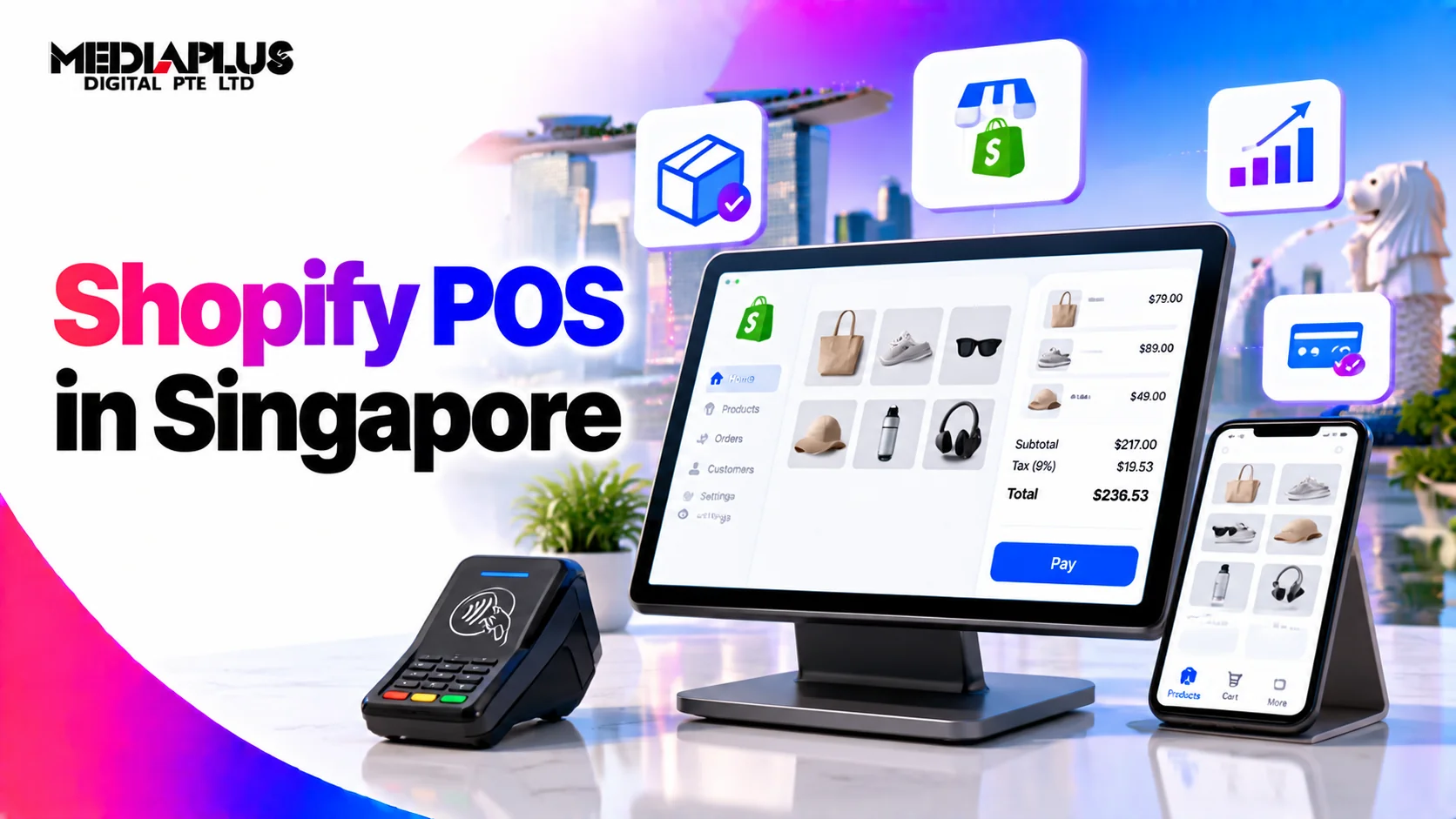
Shopify POS turns the same Shopify account that runs your online store into the till in your shop. One product catalogue, one inventory count, one customer record, whether someone buys on their phone or at your counter.
That is the pitch, and it mostly holds. There is one significant gap for Singapore retailers that nobody mentions until you are already set up, so this guide covers that first.
The Singapore catch: PayNow
Shopify Payments does not natively support PayNow in Singapore. To accept PayNow at your counter or online, you need to add a third-party payment gateway such as Airwallex.
For a Singapore retailer this matters more than it would elsewhere. PayNow is an expected payment method here, not a nice extra, and discovering the gap after you have migrated your catalogue is an unpleasant week.
It is solvable. It is just a cost and a configuration step that should be in your plan from the start rather than a surprise. Factor in the third-party gateway fee when you compare Shopify POS against a local POS system.
Lite or Pro
Shopify POS comes in two tiers, and the difference is not subtle.
|
POS Lite |
POS Pro |
|
|
Cost |
Included with every Shopify plan |
USD 89 per location per month, or USD 79 paid annually |
|
Staff permissions |
None. Every staff member has full access |
Roles and permissions per staff member |
|
Locations |
Single location |
Multiple, with stock transfers between them |
|
Inventory |
Basic stock tracking, synced with the online store |
Purchase orders, stocktakes, low stock alerts, demand forecasting |
|
Buy online, pick up in store |
No |
Yes |
|
Returns |
Same location |
Cross-location returns |
|
Reporting |
Basic |
In-store analytics, daily sales reports |
The staff permissions row decides it for most retailers. On Lite, anyone operating the till can process refunds, apply discounts and see your reports. There is no way to restrict that. For a single-owner shop that is fine. For a shop with part-time staff, it is usually the reason to upgrade.
The second deciding factor is locations. With two or more shops, cross-location inventory and returns stop being nice features and become daily operational requirements. Pro is effectively mandatory at that point.
So: one location, owner behind the counter, Lite. Staff you need to limit, or more than one shop, Pro.
What it costs in total
Three separate costs, and people usually plan for one.
The Shopify plan, which you need regardless:
|
Plan |
Monthly |
Online card rate |
In-person card rate |
|
Basic |
S$39, or S$29 billed annually |
3.2% + S$0.50 |
3% + S$0.50 |
|
Grow |
S$132 |
3.1% + S$0.50 |
2.9% + S$0.50 |
|
Advanced |
S$531 |
3% + S$0.50 |
2.75% + S$0.50 |
POS Pro, if you need it, at USD 89 per location per month. Shopify publishes this figure in US dollars; check your Shopify admin for the amount you will actually be billed in SGD.
Hardware, bought once:
|
Item |
Cost |
|
Tap & Chip Card Reader |
From $49 |
|
POS Terminal (tap, chip and swipe) |
$349 |
|
WisePad 3 terminal |
Available in Singapore |
Plus whatever you need around it: a stand, a cash drawer, a receipt printer, a barcode scanner. A realistic first-store hardware budget is several hundred dollars beyond the reader itself.
Do the card rate arithmetic before deciding on a plan. The in-person rate difference between Basic and Grow is 0.1 percentage points. At S$30,000 of monthly in-store sales that is S$30 a month, against a S$93 difference in plan cost. Basic wins until your volume is considerably higher. Work it out with your own numbers rather than assuming the bigger plan is better value. Our breakdown of Shopify pricing in Singapore goes through the plan tiers in more detail.
Who it suits
It fits well if:
- You already sell online with Shopify, or plan to. The single inventory count is the whole point, and it is genuinely useful.
- You carry products with variants. Size and colour handling is good.
- You want customer records to merge across online and in-store purchases.
- You are opening a second location and need stock visibility across both.
It fits poorly if:
- You have no online store and no plan for one. You are paying for an ecommerce platform to use its till. A local POS system will be cheaper and better suited.
- Your business is food and beverage with table management, kitchen printing and split bills. Shopify POS is built for retail.
- PayNow is the dominant payment method for your customers and adding a gateway does not work for your margins.
- You need deep local accounting integration. Check your accounting software connects before committing.
Setting it up
Roughly a week for a single shop, assuming your catalogue already exists.
- Get the products right first. Every item that sells in store needs to exist in Shopify with the correct barcode, price and stock count. This is the step that takes the time, and rushing it means your inventory is wrong from day one.
- Set the location. Create the physical shop as a location so stock is tracked separately from online.
- Order hardware early. Delivery takes time and you cannot test without it.
- Decide on payments. Shopify Payments for cards, plus a third-party gateway if you need PayNow. Settle this before launch.
- Set up staff accounts. On Pro, define roles now rather than later.
- Run a parallel week. Keep your old system running alongside. You will find discrepancies, and finding them before you switch is cheaper.
- Count stock on switchover day. A physical count at the moment you go live is the only way to start from an accurate number.
The failure mode is launching with an inventory count you have not verified. Every report after that is wrong, and you will not trust the system.
How it connects to the online store
This is where the value actually sits, and it is worth being specific.
One inventory count. Sell the last unit in store and it goes out of stock online within moments. No overselling, no manual reconciliation.
One customer record. A customer who buys in store and later online is one person in your data, not two. That makes retention work possible rather than theoretical. See our customer retention tips for ecommerce.
Buy online, pick up in store, on Pro. For a Singapore retailer this is a genuine advantage given how short the distances are.
Combined reporting. Total revenue per product across both channels, which tells you what to stock rather than what sells on one channel.
If your online store is not yet earning what it should, the POS will not fix that. That is a separate problem covered in how to increase online sales and ecommerce SEO.
Frequently asked questions
Is Shopify POS available in Singapore?
Yes. Shopify POS works in Singapore with Shopify Payments, and hardware including the WisePad 3 terminal and the Shopify POS Terminal is available locally.
Does Shopify POS support PayNow?
Not natively. Shopify Payments does not support PayNow in Singapore. To accept PayNow you need to add a third-party payment gateway such as Airwallex, which is an additional cost and configuration step.
How much does Shopify POS cost?
POS Lite is included with every Shopify plan. POS Pro costs USD 89 per location per month, or USD 79 per location with an annual commitment. You also need a Shopify plan, from S$39 a month for Basic, plus hardware from around $49 for a card reader.
What is the difference between Shopify POS Lite and Pro?
Lite is free with any Shopify plan and handles a single location with basic stock tracking, but gives every staff member full access with no permission controls. Pro adds staff roles and permissions, multi-location inventory with transfers, purchase orders, stocktakes, buy online pick up in store, cross-location returns and in-store analytics.
Do I need an online store to use Shopify POS?
Technically no, but it rarely makes sense. Shopify POS runs on a Shopify plan, so without an online store you are paying for an ecommerce platform to use its till function. A dedicated local POS system will usually be cheaper and better suited.
What hardware do I need?
At minimum a card reader, from around $49, and a device to run the app. The Shopify POS Terminal at $349 accepts tap, chip and swipe. Most shops also want a stand, cash drawer, receipt printer and barcode scanner, which adds several hundred dollars.
Does Shopify POS work for restaurants?
Not well. It is built for retail and lacks table management, kitchen printing and split bills. A food and beverage specific POS will serve you better.
How long does setup take?
About a week for a single location if your product catalogue already exists in Shopify. Most of that time goes into verifying barcodes, prices and stock counts, which is the step that determines whether your data is reliable afterwards.
Before you commit
The question to settle first is whether you want one system running both channels, or the best standalone till. Shopify POS is clearly the right answer to the first question and usually the wrong answer to the second.
If you are already on Shopify and opening a shop, it is straightforward. If you are considering moving to Shopify to get the POS, that is a bigger decision, and Shopify vs WooCommerce vs Magento is the place to start. For the build itself, see Shopify website design and development in Singapore.