
Website Design
GEO / SEO
Ads
Website Design
GEO / SEO
Ads
MediaPlus × Stragital
Every MediaPlus Digital client gets a private workspace. See your latest performance reporting, view and pay invoices, and reach your account team whenever you need them.
Secure access for MediaPlus Digital clients. Each user signs in with their own email.
AI-assisted reporting
Our team uses AI-assisted analysis to read campaign signals sooner, from shifting keyword patterns to the creative that is pulling its weight. Stragital is where you see the result: clear dashboards and plain-language notes from your account team, kept current as campaigns run.
Faster insight
Plain-language notes
Reporting that stays current
We flag what changed and what it means, not just the raw numbers.
AI-assisted analysis helps us spot shifts in spend, ranks and leads early.
Every report comes with context, written by the people running your account.
Inside the portal
No chasing email threads for the latest numbers or last month’s invoice. Log in and it is all there.
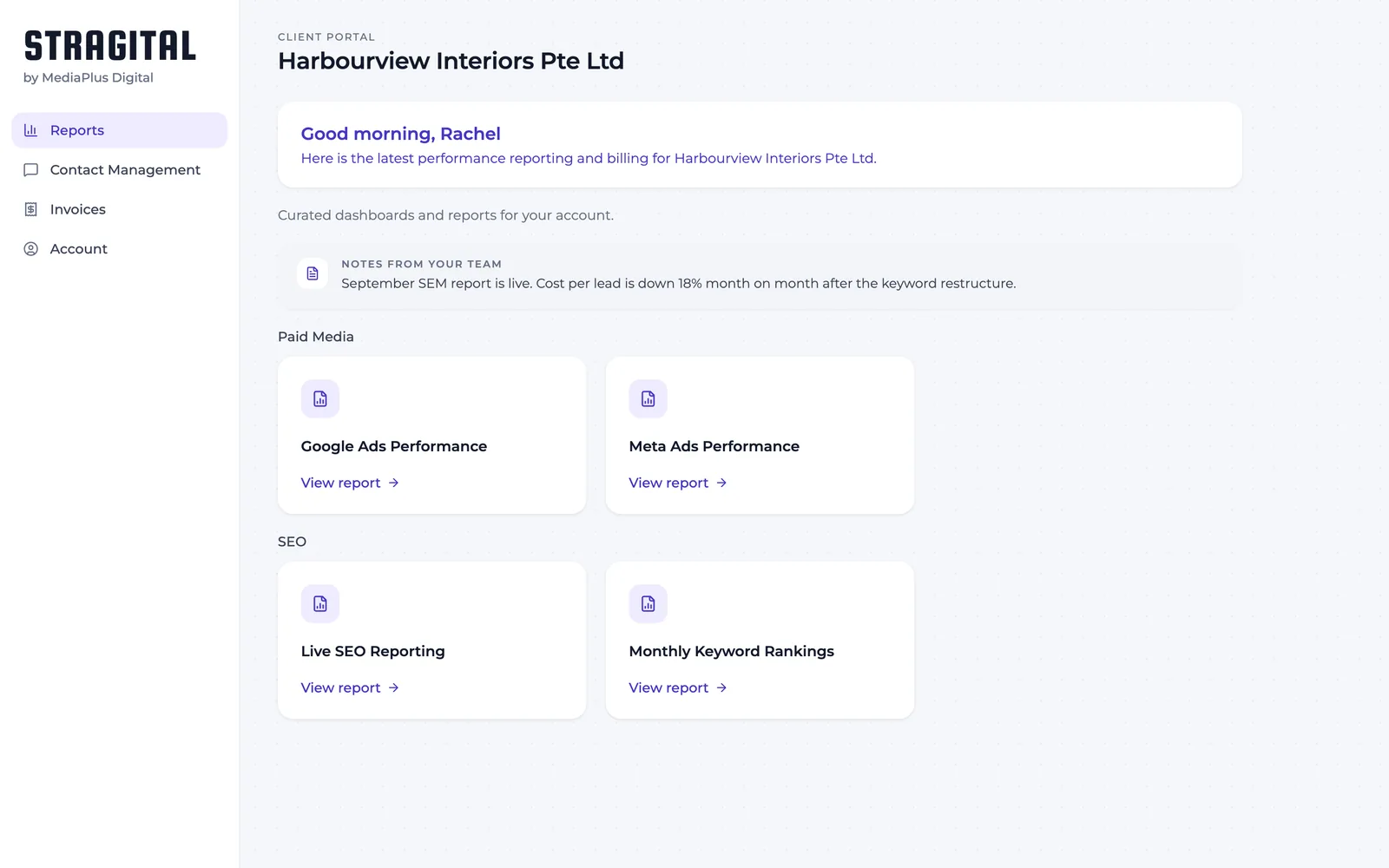
Reports
Performance dashboards are grouped by channel, so Paid Media and SEO sit exactly where you expect them. Log in and your latest reporting is on the first screen.
✓ Google Ads, Meta Ads, SEO and keyword rankings, side by side
✓ Notes from your account team on every report
✓ A clear view of how each channel is tracking
Invoices
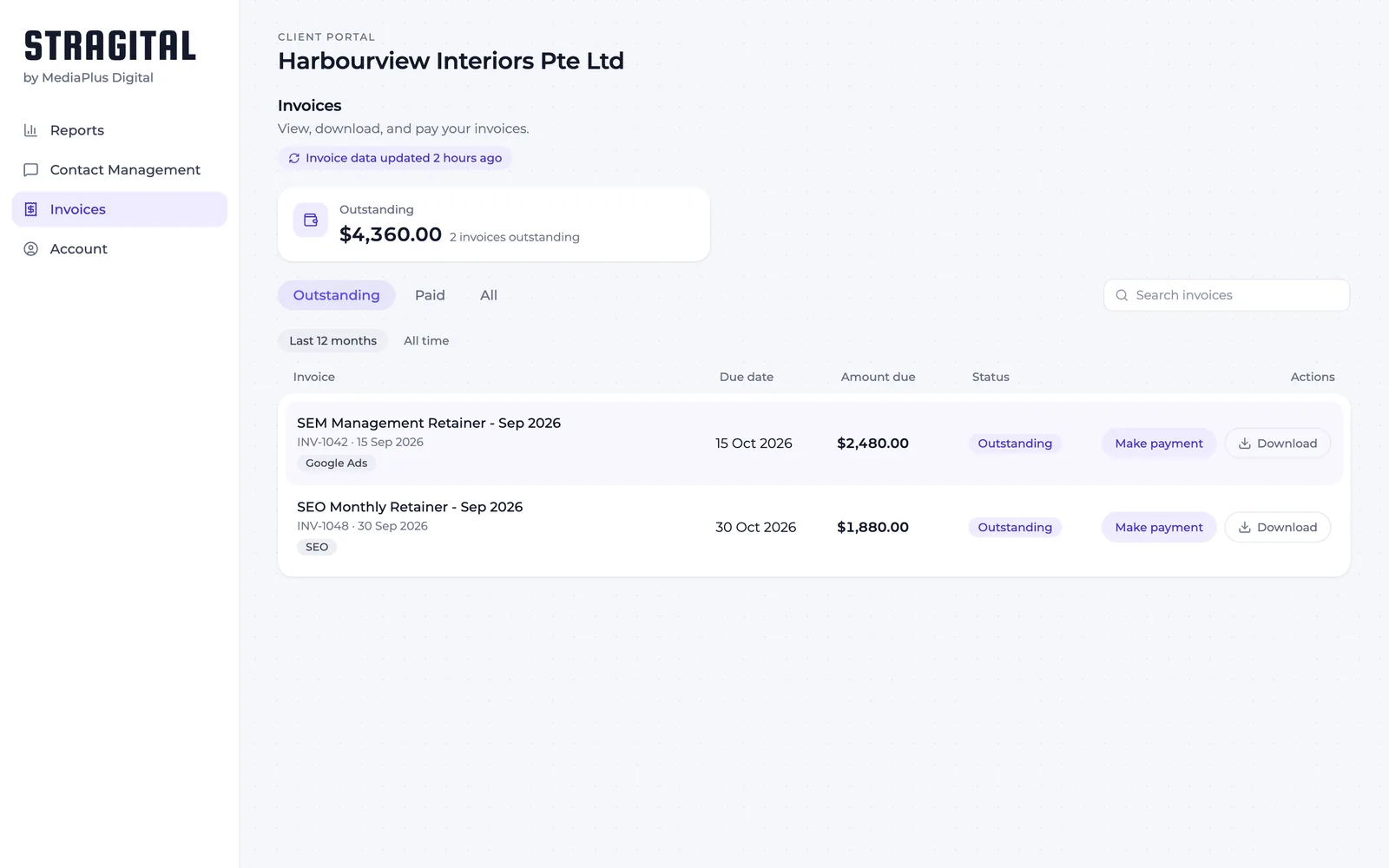
Every invoice is listed, with your outstanding and overdue amounts right at the top. Download any invoice as a PDF, and pay the unpaid ones online without leaving the portal.
✓ Outstanding balance shown up front
✓ Download any invoice as a PDF
✓ Filter by outstanding, paid, or date range
Contact management
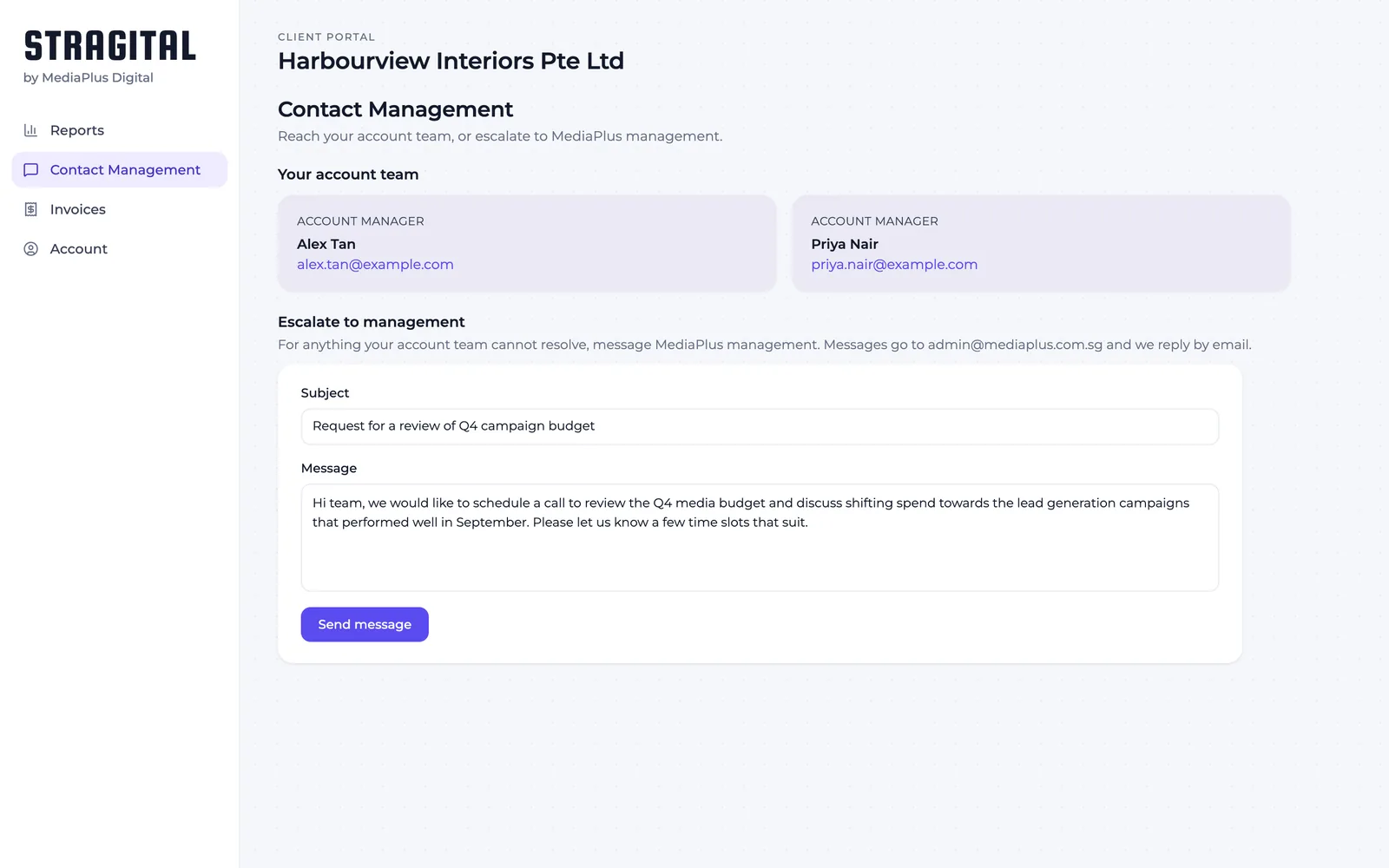
Your account manager’s details are always on hand. If something needs to go higher, message MediaPlus management straight from the portal and we reply by email.
✓ Account manager contacts on every page
✓ Escalate to management when you need to
✓ A written record of what you asked for
Secure access
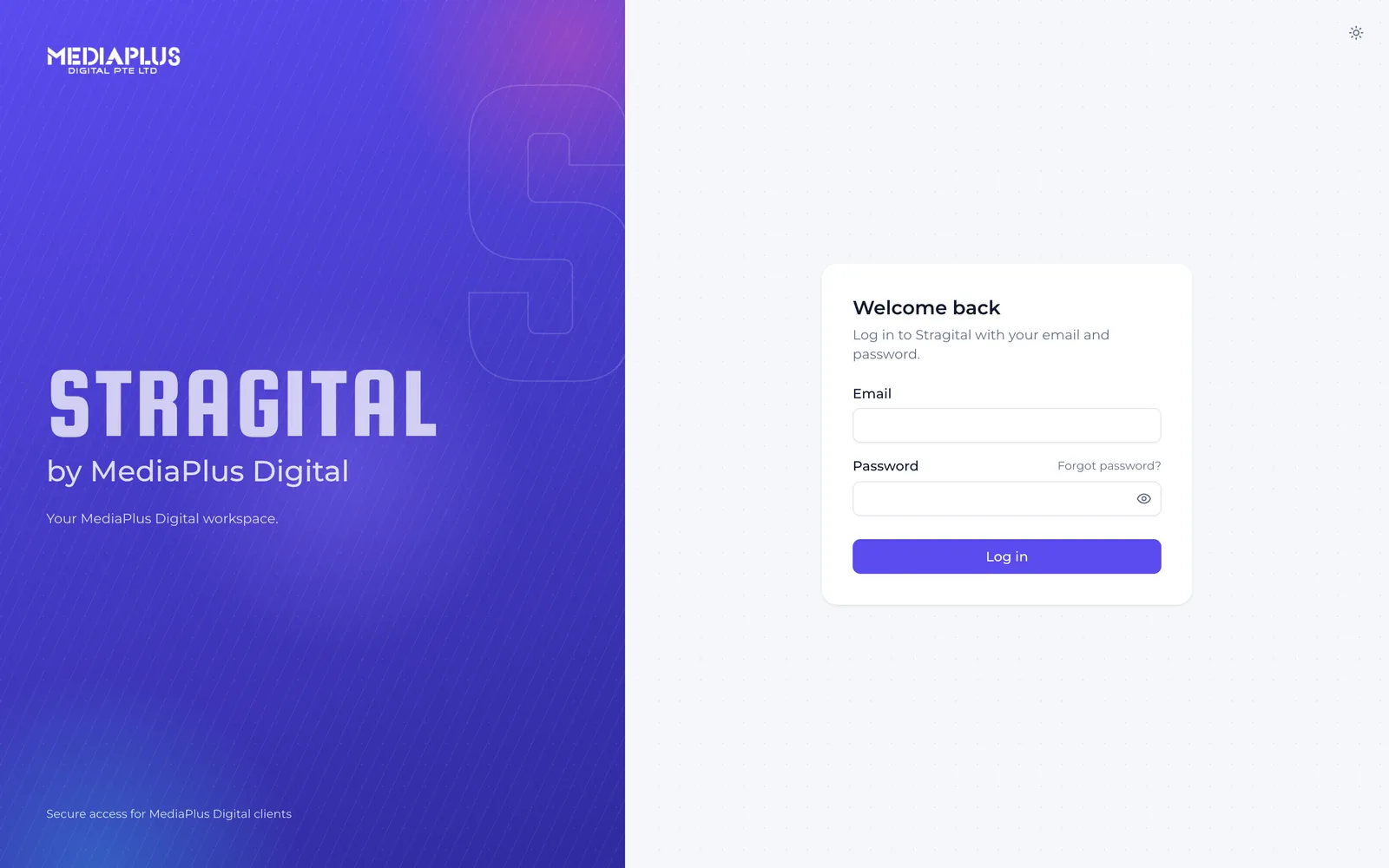
Each person signs in with their own email and password, so the right people see your account. Forgot a password? Reset it from the login screen in a moment.
✓ Individual logins for each team member
✓ Self-service password reset
✓ Access limited to MediaPlus Digital clients
Start a campaign with MediaPlus Digital and your Stragital login comes with it.
Good to know
Who gets access to Stragital?
Every active MediaPlus Digital client. Once you come on board, we set up a login for your team so you can see your reporting, invoices and account contacts from day one.
What can I see once I log in?
Your performance reports grouped by channel, every invoice with the amount outstanding, and your account team’s contact details. Your most recent reporting is the first thing you land on.
Can I pay invoices through the portal?
Yes. Outstanding and overdue amounts sit at the top of your invoice list. You can download any invoice as a PDF and pay the unpaid ones online.
How do I reach my account team?
Your account manager’s contact details are on every page. For anything that needs to go higher, you can message MediaPlus management from the portal and we reply by email.
I forgot my password. What do I do?
Use the “Forgot password?” link on the Stragital login page to reset it yourself, any time.