

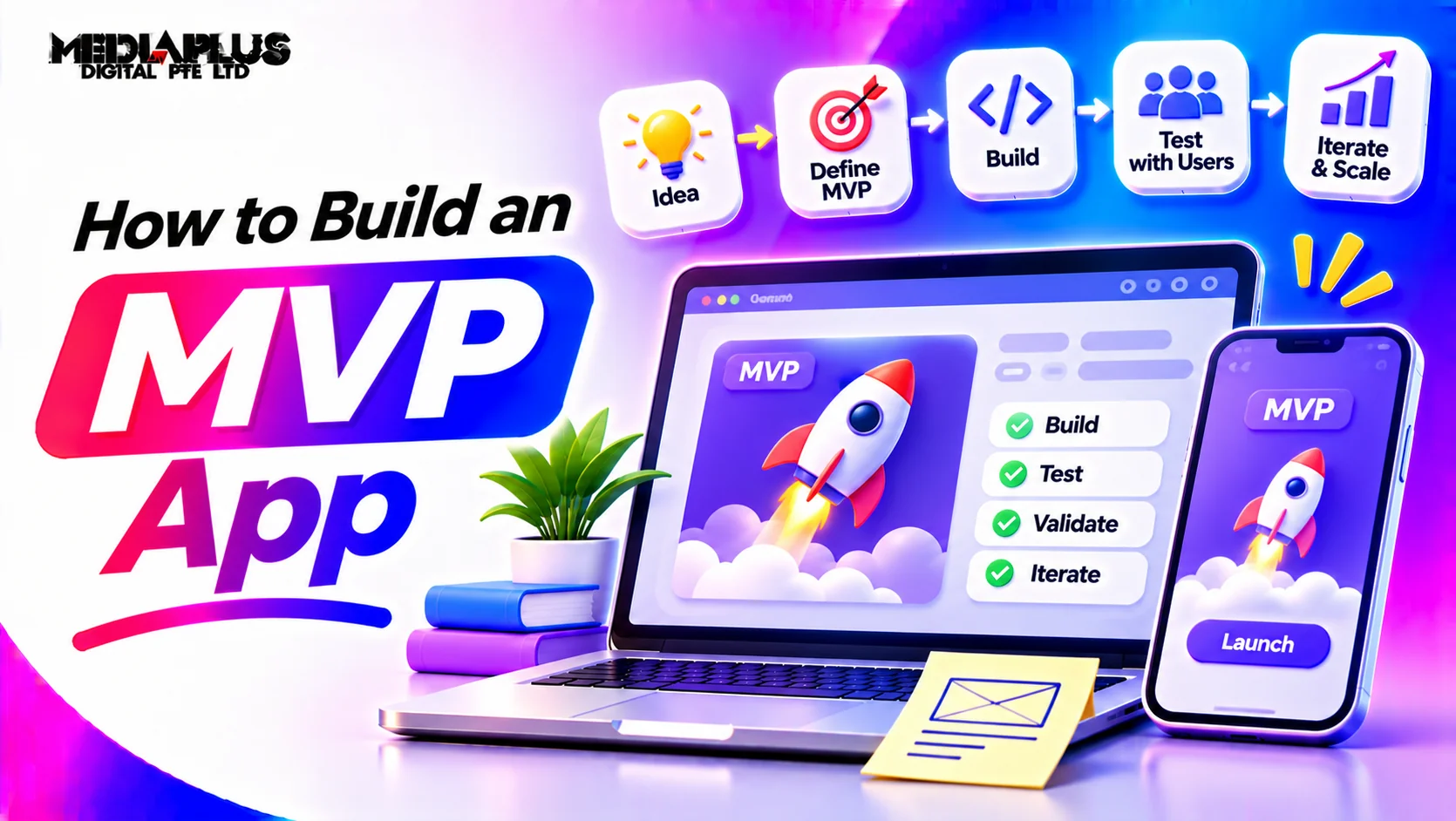
Many first apps go wrong for a boring reason. They try to do too much, take nine months to build, and launch to users who only wanted one of the twenty features. By then the budget is gone and nobody knows which part of the idea was wrong.
A minimum viable product (MVP) is the fix. You build the smallest version of the app that lets real users do the one thing your business depends on, then measure whether they come back. This guide takes Singapore founders and SME owners through MVP development step by step, including the local and app store details that catch first-timers out.
The short answer
- An MVP is a working product used by real customers, not a demo.
- Write the core job as one sentence (“A clinic patient can book and pay for a slot in under a minute”). Every feature must serve that sentence or wait.
- Score features with RICE so cuts aren’t decided by whoever argues loudest.
- Leave out admin dashboards, extra user roles, in-app chat, loyalty points and complex payment logic. Each has a cheaper workaround.
- Plan for roughly 10 to 16 weeks for a small app MVP. That’s a common range, not a promise, and store rules can add time.
- Measure activation and retention, not downloads, and let those numbers shape v2.
What an MVP is (and what it isn’t)
People use “MVP”, “prototype” and “proof of concept” interchangeably, and that’s how budgets get wasted. A proof of concept answers “can this be built?”. A prototype answers “do people understand it?”. An MVP answers “will people use it and keep using it?”.
| Proof of concept (PoC) | Prototype | MVP | |
|---|---|---|---|
| Question it answers | Is it technically possible? | Does the flow make sense to users? | Will real users adopt it and return? |
| Who sees it | Internal team, maybe an investor | Test users in sessions | Real customers, in public or a closed beta |
| Does it work? | Partly, often one risky piece only | Usually not (clickable screens) | Yes, end to end for the core job |
| Real data | No | No | Yes, so PDPA applies |
| Typical length | Days to a few weeks | 1 to 3 weeks | 2 to 4 months |
| What you keep | The learning | The designs | The product, which becomes v2 |
You don’t always need all three. If the technology is ordinary (bookings, catalogues, forms), skip the PoC. If the idea depends on something risky, such as a hardware device or an AI feature that has to be accurate, do the PoC first. A prototype is almost always worth it, because changing a Figma screen is far cheaper than changing code. Our article on UI vs UX design explains what happens in that design stage.
Step 1: Choose the one core job
Before anyone talks features, write down the single job your app does for one type of user. Use this template:
[User] can [do one thing] [in a measurable way] so that [business outcome].
Two examples from typical Singapore SME ideas: “A walk-in customer at our outlets can order and pay from their table, so that we need one fewer cashier per shift.” Or: “A contractor can log a site photo and checklist offline, so that our office stops chasing paper forms.”
Then test the sentence:
- Is it one user type? If it needs “customers and staff and admins”, pick the one whose behaviour decides whether the business works. Usually that’s the paying customer.
- Can you count it? “Order and pay” is countable. “Engage with our brand” isn’t.
- Would someone change a habit for this alone? If the honest answer is “only with the other features too”, rethink the idea.
Now map the shortest path through it. For table ordering: scan QR code, see menu, add items, pay, see order status. Five screens. That path is your MVP.
To write this up formally for a developer, use our guide to the mobile app requirements document, which sorts features with MoSCoW. Here we use RICE, because a number per feature makes cuts easier to defend.
Step 2: Score features with RICE
RICE was developed at Intercom and published by Sean McBride on the Intercom blog. The formula is:
RICE score = (Reach × Impact × Confidence) ÷ Effort
- Reach: users who will touch the feature in a set period (here, the first three months).
- Impact: how much it moves the core job, on Intercom’s scale of 3, 2, 1, 0.5 or 0.25.
- Confidence: 100%, 80% or 50%, depending on how sure you are.
- Effort: person-months across design, development and testing (0.5 for anything well under a month).
Worked example: a café table-ordering app
Assume the café expects about 2,000 ordering customers in the first three months across its outlets.
| Feature | Reach (3 mo) | Impact | Confidence | Effort (person-months) | RICE score | Decision |
|---|---|---|---|---|---|---|
| QR menu and add to cart | 2,000 | 3 | 100% | 1 | 6,000 | Build |
| Card / PayNow checkout | 2,000 | 3 | 80% | 1 | 4,800 | Build |
| Order status screen | 1,800 | 1 | 80% | 0.5 | 2,880 | Build |
| Staff order queue (simple web page) | 2,000 | 2 | 80% | 0.5 | 6,400 | Build |
| Customer accounts and login | 600 | 0.5 | 50% | 1 | 150 | Cut |
| Loyalty stamps | 400 | 1 | 50% | 1.5 | 133 | Cut |
| Item reviews and ratings | 200 | 0.25 | 50% | 1 | 25 | Cut |
| Full menu admin dashboard | 5 staff | 1 | 100% | 2 | 2.5 | Replace with workaround |
The staff order queue scores highly because every order passes through it, even though customers never see it. Customer login scores badly: most people ordering a kopi don’t want an account, and Apple’s guideline 5.1.1(v) tells developers to let people use an app without a login if it has no significant account-based features. The admin dashboard scores lowest because only five people use it, so the café edits the menu in a spreadsheet for now.
How to run the session. Put the founder, someone who talks to customers daily and the lead developer in a room. The developer owns the effort number, the business owns reach and impact, and anyone can lower confidence. Draw a line once the combined effort fits your budget. Everything below it goes into a “v2 backlog” document so nothing is lost.
Step 3: What to leave out of v1
This is the hard part, because “just one more thing” arrives every week. Each row below commonly bloats MVPs, with a cheaper way to cover the need until data proves the feature is worth building.
| Feature people want in v1 | Why it bloats the build | What to do instead in the MVP |
|---|---|---|
| Custom admin dashboard | Often as big as the customer app itself, with forms, permissions and reports | Use a spreadsheet, Airtable, a headless CMS, or the database tool’s built-in console. Build a proper dashboard in v2. |
| Multiple user roles (manager, staff, franchisee, customer) | Every role multiplies screens, permissions and test cases | Launch with one customer role and one internal role. Handle edge cases manually. |
| In-app chat | Real-time messaging, push notifications, moderation and storage | Link to WhatsApp or email. Add chat only if support volume proves it. |
| Complex payments (split bills, wallets, credits, refunds in-app) | Each payment state needs handling, testing and reconciliation | One payment flow through a hosted checkout from your gateway. Process refunds from the gateway dashboard. |
| Subscriptions and tiers | Pricing logic, upgrade paths and, for digital content, Apple in-app purchase rules | Start with one price or a free pilot. Test pricing outside the app first. |
| Loyalty points, referrals, multi-language, settings screens | Low reach in the first months, steady effort | Manual promo codes, English only, sensible defaults. |
| Social login with many providers | Each provider adds setup and review requirements (see Apple guideline 4.8 below) | Email one-time code or a single sign-in method. Or no login at all. |
| Offline mode and sync | Conflict handling is one of the hardest parts of mobile engineering | Only include if the core job happens without signal (construction sites, ships, basements). |
| Integrations with ERP, POS or accounting | Each integration depends on another vendor’s API and their timeline | Export a CSV daily. Integrate in v2 once the data format is stable. |
There are a few things you should not cut, even in an MVP: basic security (encrypted connections, hashed passwords, proper access control), crash reporting, analytics events for your core job, a privacy policy, and account deletion if you allow sign-up (more on that below). These are cheap to build at the start and expensive to retrofit.
Step 4: Choose how to build it
The build approach decides your cost, your timeline and whether the MVP code survives into v2. Here is the MVP-specific view.
| Approach | Best for an MVP when | Watch out for | Keep or rebuild for v2? |
|---|---|---|---|
| No-code / low-code (Bubble, FlutterFlow, Glide, Softr and similar) | You need to test demand fast, the logic is simple, and you can accept platform limits | Vendor lock-in, per-user pricing as you grow, limited native features, data residency questions | Often rebuilt once traction is proven |
| Progressive web app (PWA) | Users come from a link or QR code, and you don’t need deep phone features | Weaker push notification support on iPhone, no app store listing, less “installed” feel | Usually kept, can be wrapped or extended later |
| Cross-platform (Flutter or React Native) | You need both iOS and Android apps in stores with one codebase | Still two store reviews, and some native features need extra work | Kept, grows into v2 |
| Native (Swift for iOS, Kotlin for Android) | The core job relies on heavy device features (camera processing, Bluetooth hardware, AR) | Two codebases, roughly double the build effort | Kept |
For the café, a PWA is the honest answer: nobody wants to download an app to buy a coffee. For the contractor app that works offline and uses the camera all day, cross-platform or native makes more sense. Our explainers on what a progressive web app is, native apps vs hybrid apps vs PWAs, native vs cross-platform apps and Flutter vs React Native go deeper.
If your MVP is really an internal tool or a web platform with a mobile front end, custom software development may suit better than a store app.
Step 5: A realistic MVP timeline
Here is a typical week-by-week plan for a small cross-platform or PWA MVP with five to ten core screens and one payment or booking flow. These are common industry ranges, not MediaPlus delivery commitments. Your timeline depends on scope, how fast you give feedback, and third-party approvals.
| Weeks (typical range) | Stage | What happens | What you must provide |
|---|---|---|---|
| 1 to 2 | Discovery and scope | Core job sentence, user flow, RICE session, technical choices, risk list | Decision-maker available, customer insight, any brand assets |
| 2 to 4 | UX and prototype | Wireframes, then clickable Figma prototype tested with 5 or more target users | Recruit test users, approve flows quickly |
| 4 to 10 | Build | Front end, backend, payment and core integrations, in one or two week sprints with demos | Feedback within two working days of each demo |
| 9 to 12 | Testing and beta | QA on real devices, closed beta with real users, bug fixing | Beta testers, content, final copy |
| 11 to 14 | Store submission | Store listings, privacy labels, review, fixes for any rejection | Developer accounts, legal entity details, privacy policy |
| 12 to 16 | Launch and measure | Public release, monitoring, first round of fixes | Launch plan, someone to answer user questions |
Stages overlap, so the weeks do too. The two most common causes of delay aren’t technical: slow feedback from the business side, and developer accounts or third-party approvals started too late. For every phase in more detail, see our mobile app development process guide.
Step 6: What drives the budget
MVP budgets vary too widely to quote here. Our article on the cost of developing an app in Singapore gives the ranges. These drivers move your number:
- Number of user types. One role is cheap. Each extra role adds screens, permissions and testing.
- Platforms. A PWA is one build. Cross-platform is one codebase with two store releases. Native is two builds.
- Integrations. Hosted payment checkouts are quick. POS, ERP, Singpass or hardware integrations depend on other parties (see our web API integration page).
- Custom design and real-time features. A bespoke design system, live tracking or chat all add effort. For an MVP, a clean standard interface is fine.
- Running costs. Hosting, third-party services, OS updates and bug fixes, covered in our guide to app maintenance cost in Singapore.
Fixed third-party fees are small but real: Apple charges USD 99 per membership year for the Apple Developer Program, and Google Play has a one-time USD 25 registration fee.
Step 7: Singapore specifics
Singpass and Myinfo login: optional, with onboarding steps
Singpass login and Myinfo form-filling suit finance, property, HR and healthcare apps, but they’re optional, and most MVPs should postpone them. If you do want them, these requirements come from the official Singpass developer docs:
- Your organisation must be a Singapore-registered entity, and regulated businesses must provide their licences or permits.
- To log in to the Singpass Developer Portal, your Singpass account must be authorised via Corppass to act for your organisation (you then select your UEN).
- You must justify each data field you request and get user consent.
- Singpass cannot be the only login or form-filling option. You must offer a manual or alternative method.
- Applications go through a review, and Singpass’s Myinfo Business guide notes production approval can take up to two weeks.
- Singpass has also set 31 December 2026 as the deadline for integrations to be FAPI 2.0-compliant, so a new build should use the current specification.
Since you need another login method anyway, launch with email login and add Singpass in v2 if users want it.
Payments: PayNow and cards
Singapore customers expect PayNow QR as well as cards. Stripe’s PayNow documentation describes it as an SGD-only method where the customer scans a QR code in their banking app, with refunds possible up to 90 days after payment. Other gateways support it too, and our comparison of the best payment gateways in Singapore can help you pick one.
One app store rule matters here. Apple’s guideline 3.1.3(e) says apps selling physical goods or services used outside the app (food, bookings, deliveries, classes in person) must use payment methods other than in-app purchase, such as Apple Pay or card entry. Guideline 3.1.1 says digital content or features opened up inside the app (premium content, subscriptions to app features) must use Apple’s in-app purchase. Decide early which side your MVP falls on, because it changes your payment design and your margins.
PDPA from day one
An MVP collects real personal data, so the Personal Data Protection Act applies as it would to a full product. Collect only what the core job needs (a booking needs a name and mobile number, not a date of birth), explain the purpose at the point of collection, publish a privacy policy, and appoint a Data Protection Officer registered through the PDPC’s DPO page. Watch the “spreadsheet admin” workaround from the cut list too: restrict who can open it. Our guide to PDPA compliance for websites in Singapore covers consent wording, and most of it applies to apps.
Step 8: App store rules that can delay launch
Three store requirements regularly catch out MVPs.
1. Apple’s minimum functionality rule (guideline 4.2). Apple’s App Review Guidelines say an app needs features, content and UI that make it more than a repackaged website, and guideline 4.2.2 says apps shouldn’t primarily be marketing materials, web clippings or a collection of links. A website wrapped in an app shell is exactly what this targets. If your MVP is that thin, launch it as a PWA.
2. Google Play’s closed testing rule for new personal accounts. Google’s testing requirements say developers with personal accounts created after 13 November 2023 must run a closed test with at least 12 testers opted in continuously for at least 14 days before applying for production access. That’s at least two extra weeks. The rule covers personal accounts, so register your company as an organisation account instead.
3. Account and login rules. – If your app lets users create an account, Apple’s guideline 5.1.1(v) requires account deletion inside the app, and Google Play’s account deletion policy requires an in-app path plus a web link for deletion requests. – If you use Google, Facebook or another social login for the main account, Apple’s guideline 4.8 requires an equivalent option that limits data to name and email and lets users hide their email (Sign in with Apple meets this). – Apple’s guideline 2.1 asks for a demo account for reviewers if the app has a login, with the backend switched on.
Apple also requires organisations to be a legal entity with a D-U-N-S Number (sole proprietors enrol as individuals). Request it in week one.
Once live, our guide to app store optimisation covers how people find the app.
Step 9: Measure the MVP
Downloads measure marketing, not the product. Set up analytics events for the core job before launch (Google Analytics for Firebase in apps, GA4 for a PWA; see our GA4 setup guide).
| Metric | Definition (write yours down before launch) | Café example |
|---|---|---|
| Activation rate | % of new users who complete the core job once | % of QR scans that end in a paid order |
| Time to value | How long a new user takes to complete the core job | Seconds from scan to payment |
| Week-1 and week-4 retention | % of users who complete the core job again 1 and 4 weeks after their first time | % of customers who order through the app again within a month |
| Drop-off point | The screen where most users quit the core flow | Payment screen, if PayNow or card fails |
Set a rough target for each before launch so nobody moves the goalposts, and review weekly for the first two months.
When to move to v2
Move to v2 when the data gives you a clear direction. Typical signals:
- Activation is good but retention is weak. Fix the reason to come back (reminders, re-ordering) before adding anything new.
- Retention is healthy and users keep asking for the same thing. That’s your first v2 feature. Rescore the backlog with real reach numbers.
- Manual workarounds eat staff time. A spreadsheet admin that works at 50 orders a week breaks at 500. Now the dashboard earns its place.
- Neither number moves after several rounds of fixes. Rethink the core job rather than adding features.
If you used no-code, v2 is often when you move to custom code.
Pre-build checklist
Tick these before you sign a development contract:
- Core job written as one sentence, with one user type
- Shortest user path mapped (ideally under ten screens)
- RICE scores for every proposed feature, with a line drawn
- Cut list agreed and v2 backlog document started
- Build approach chosen (no-code, PWA, cross-platform or native) with reasons
- Payment method decided, and Apple in-app purchase rules checked
- Decision on Singpass (most MVPs: not yet)
- PDPA basics covered: data list, consent wording, privacy policy, DPO
- Apple and Google developer accounts registered under the company, D-U-N-S number requested
- Analytics events and success targets defined
- Post-launch budget set aside for fixes and maintenance
Questions to ask a developer before you hire them
- Which features would you cut from my list, and why? (A good partner pushes back.)
- Which parts of the MVP code will we keep for v2, and which will be rebuilt?
- Who owns the source code, designs and developer accounts at the end?
- How often will I see a working demo, and how do change requests affect the timeline?
- Have you handled guideline 4.2 rejections or Google’s closed testing rule before?
- What support do we get in the first three months after launch?
Frequently asked questions
How long does MVP development take in Singapore?
For a small app with one user type and one core flow, 10 to 16 weeks from scope sign-off to store release is a common range. No-code builds can be faster. Delays usually come from feedback, account setup and store review rather than coding.
Should my MVP be an app or a website?
If users arrive through a link or QR code and the core job is simple, start with a PWA. If you need offline use, background location or heavy camera work, or store presence matters, build a store app.
Do I need Singpass login for my MVP?
Rarely. Singpass requires an alternative login method anyway, plus Corppass onboarding and a review of your use case. Add it once users or regulations call for it.
Can my MVP be rejected by the App Store?
Yes. Watch for minimum functionality (guideline 4.2), missing in-app account deletion, no reviewer demo account, and crashes. Leave a buffer of one to two weeks.
Planning an MVP?
Our mobile app development team helps Singapore businesses scope, design and build MVPs, from the first RICE session to store submission. If your idea is closer to a web platform or internal system, we also offer custom software development. Get in touch and bring your core job sentence.