
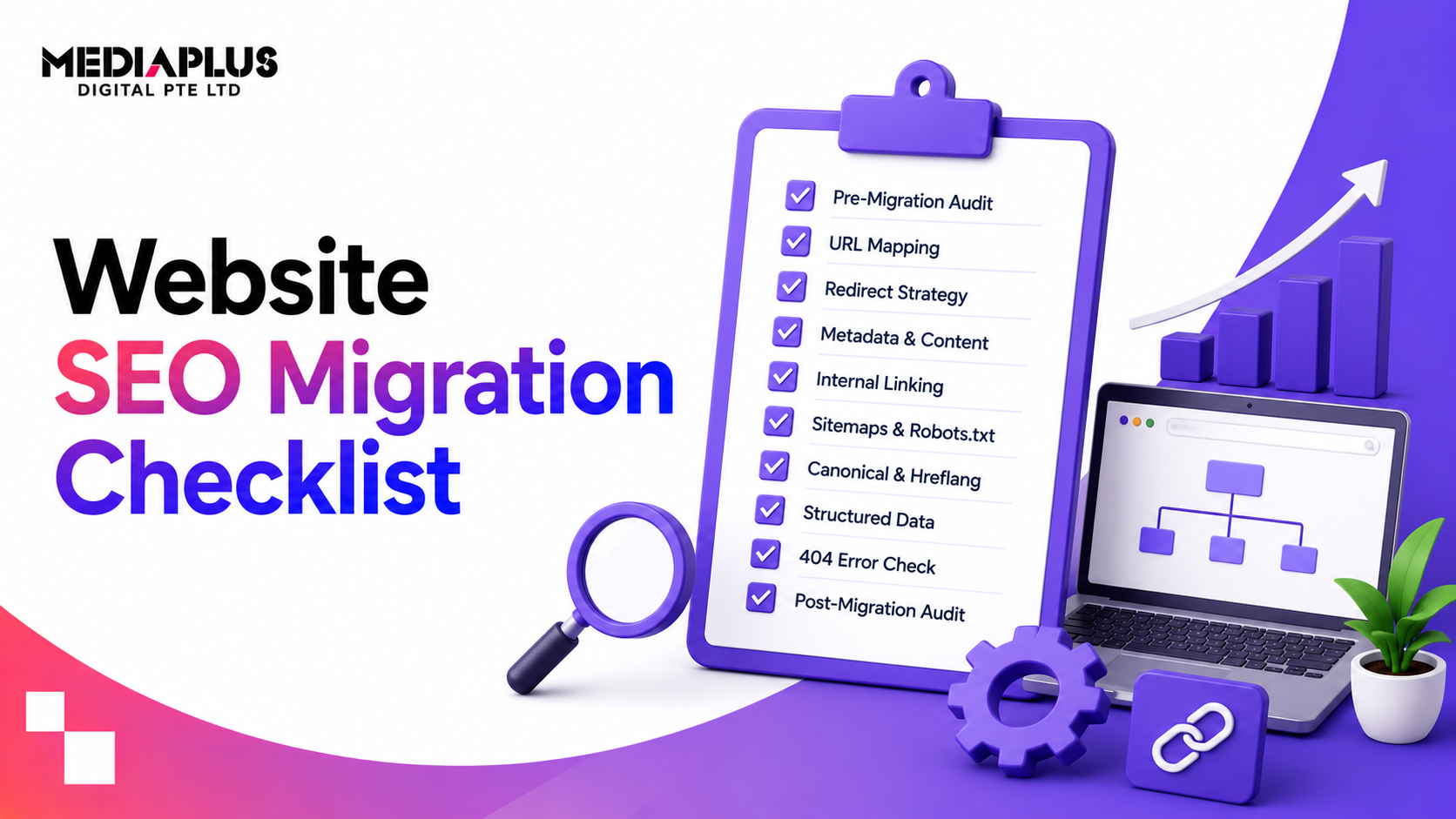
A site migration is one of the riskiest projects in SEO. Change your domain, platform, URLs, or structure without a plan and you can lose years of rankings and traffic overnight. Do it methodically and you keep your rankings, and often improve them. The difference is a checklist followed in the right order. This is a complete website SEO migration checklist, phase by phase, so nothing important slips through.
Quick answer: To migrate a website without losing SEO: benchmark your traffic and inventory every URL before you start, keep your ranking content and on-page elements, build a complete one-to-one 301 redirect map, remove any staging noindex or robots block before launch, then monitor Search Console closely for the first month. The golden rules are: change as little as necessary at once, and redirect everything.
What counts as a site migration?
An SEO migration is any change that alters how search engines see your site. Common types, often combined:
- Domain change (rebrand or new domain).
- Platform or CMS change (for example WordPress to Shopify).
- URL structure change (new paths or categories).
- HTTP to HTTPS or www to non-www.
- Site redesign that changes content or structure.
- Consolidating several sites into one.
The more of these you change at once, the higher the risk, so change only what you must.
Phase 1: Before you start (planning and benchmarking)
The work that protects your rankings happens here, before anything changes.
- Benchmark current performance: organic traffic, rankings for key terms, top landing pages, and conversions. You cannot measure impact without a baseline.
- Inventory every URL from multiple sources so none are missed: XML sitemap, a full crawl (Screaming Frog), Google Search Console, and analytics.
- Identify your most important pages: highest traffic, highest converting, and most backlinked. These must be preserved and redirected carefully.
- Export your backlink profile, so you know which pages have earned links worth protecting. See what backlinks are.
- Set clear goals for the migration, and what “success” means (no traffic loss, or specific improvements).
- Avoid launching during a known Google update, so you can tell what caused any change.
- Plan a rollback point in case something goes badly wrong.
Phase 2: Preparing the new site (build)
- Keep ranking content. Preserve the content, titles, headings, and meta of pages that rank, or improve them deliberately, never delete them by accident.
- Map old URLs to new URLs one-to-one. If a URL does not need to change, keep it.
- Preserve or improve site structure and internal links.
- Carry over structured data (schema) so rich results survive.
- Build for speed and mobile, passing Core Web Vitals.
- Keep the new site on staging noindexed and blocked from crawling until launch.
- Set up analytics and Search Console for the new site (and the new domain if changing).
Phase 3: Pre-launch (the critical checks)
This phase prevents the worst losses.
- Finalise the 301 redirect map: every old URL to its closest new URL, using permanent 301s (not 302s).
- Eliminate redirect chains: each old URL points directly to the final destination.
- Update internal links to point to the new URLs, not through redirects.
- Assign one owner to remove the staging noindex tag and robots.txt block at launch. This single check prevents accidental de-indexing.
- Generate the new XML sitemap.
- Crawl the staging site and compare against your URL inventory to catch anything missing.
- Check titles, meta, headings, and canonical tags on key pages.
- Test the redirects on a sample before go-live.
Phase 4: Launch day
Within the first hour of going live, verify in order:
- The site is not noindexed (check live pages and robots.txt).
- 301 redirects are live and resolving for your priority URLs.
- Internal links point to new URLs.
- The new XML sitemap is submitted in Google Search Console.
- If changing domain, use the Change of Address tool in Search Console.
- Analytics and tracking are firing.
- Key pages render and load correctly on mobile and desktop.
- HTTPS and SSL are working with no mixed-content errors.
Phase 5: Post-launch (the first 30 days)
- Submit the sitemap and request indexing of key pages.
- Monitor daily at first: indexing status, coverage errors, 404s, and server (5xx) errors.
- Fix broken redirects and 404s as they appear.
- Track rankings and traffic weekly against your baseline.
- Watch your backlinks: update key external links to the new URLs where you can.
- Expect some volatility. A short dip while Google recrawls is normal; a large or deepening drop means something is broken.
- Keep both sitemaps (old and new) accessible for a while so Google finds the redirects.
Common migration mistakes to avoid
- Letting a staging noindex or robots block go live (the worst, and most common, mistake).
- Missing or wrong redirects, so rankings and links are lost.
- Using 302 (temporary) instead of 301 (permanent) redirects.
- Redirect chains that waste crawl budget and dilute signals.
- Changing URLs unnecessarily. If a URL does not need to change, do not change it.
- Removing content or headings from ranking pages.
- Launching with no baseline, so you cannot measure the impact.
- Changing too many things at once, which multiplies risk and makes problems hard to diagnose.
If traffic drops after migration
Do not panic, but act fast. Check the catastrophic causes first: a live noindex or robots block, and missing redirects on your top pages. Then look for 404s, broken internal links, and stripped content. Fix redirects and restore content on your priority pages first. If you set a rollback point and the damage is severe, reverting while you diagnose is legitimate. See how to redesign without losing SEO traffic.
Frequently asked questions
What is a website SEO migration?
Any change that alters how search engines see your site: a new domain, platform, URL structure, HTTPS switch, or major redesign. Migrations risk rankings if not handled carefully.
How do I migrate a website without losing SEO?
Benchmark and inventory URLs first, preserve ranking content, build a complete one-to-one 301 redirect map, remove the staging block before launch, and monitor Search Console closely afterwards.
Do I need to redirect old URLs when I migrate?
Yes, if URLs change. Use one-to-one 301 (permanent) redirects from every old URL to its closest new equivalent so rankings and backlink value transfer.
Will I lose rankings when I migrate my website?
Some short-term volatility is normal while Google recrawls. Done properly, with redirects and preserved content, rankings recover and can improve. Done carelessly, losses can be real and lasting.
How long does it take to recover after a migration?
Usually a few weeks for Google to recrawl and settle, longer for large sites or competitive terms. If redirects and content were handled well, recovery is faster.
Should I use the Change of Address tool?
Yes, if you are moving to a new domain. It tells Google about the move in Search Console and helps transfer signals, alongside your 301 redirects.
Migrate with confidence
A migration should move your business forward, not reset your rankings. If you want a site migrated, redesigned, or replatformed with SEO protected from day one, talk to MediaPlus Digital. Explore our SEO services in Singapore and technical SEO, or start with our complete SEO checklist.